Wie es funktioniert
Collect RSVPs, made simple.
Get responses from your guests with our easy-to-use RSVP system.
Collect RSVPs Online.
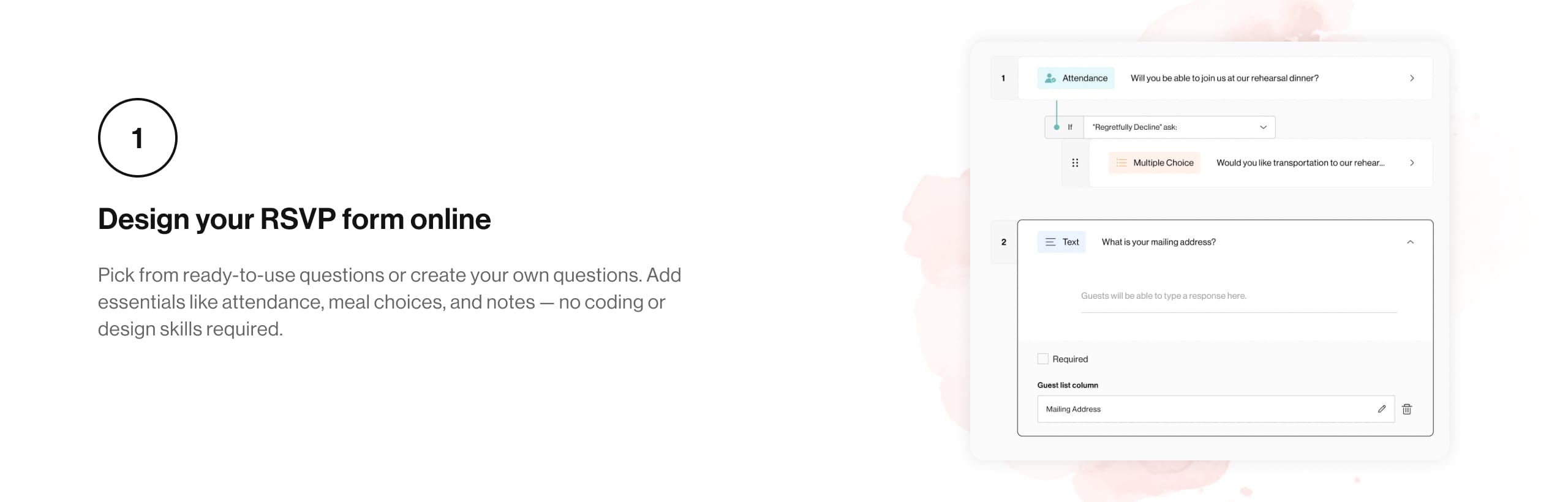
Design your RSVP form online, share the link, and track guest responses in real time.
Smart RSVP. Simple & Reliable.
Create RSVP forms for Ceremony, Reception, After Party, and more. Guests only see the events they’re invited to.
Add meal choices, dietary needs, travel info, or any custom questions you need.
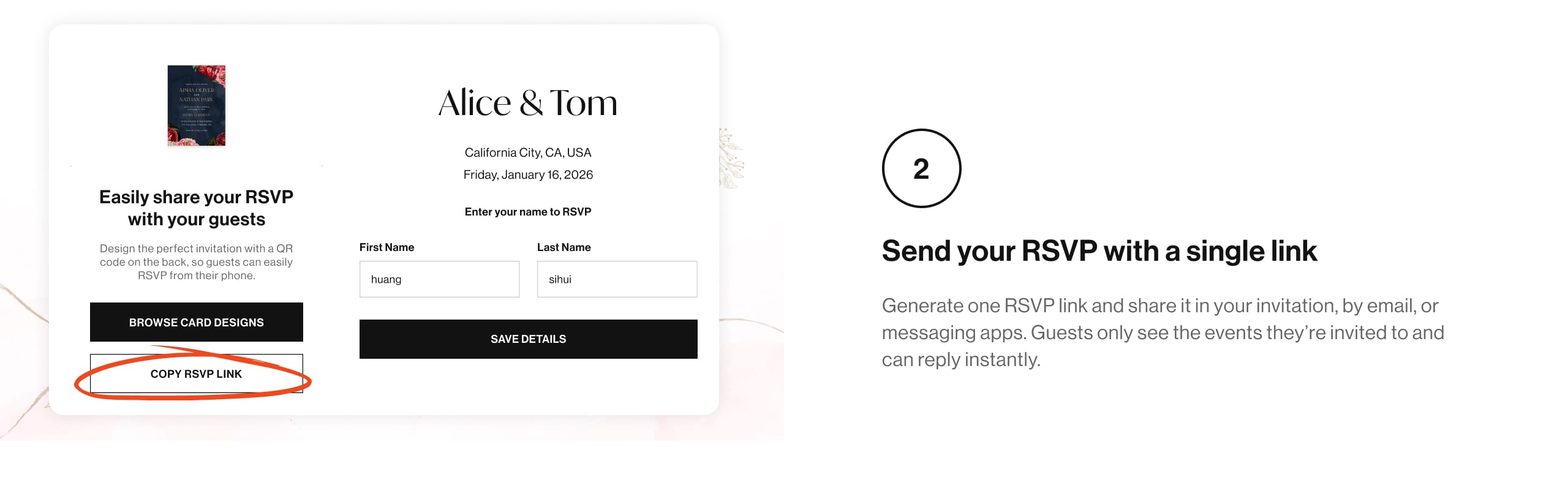
Generate a single RSVP link to add to your invitation, email, or message — responses sync to your guest list automatically.
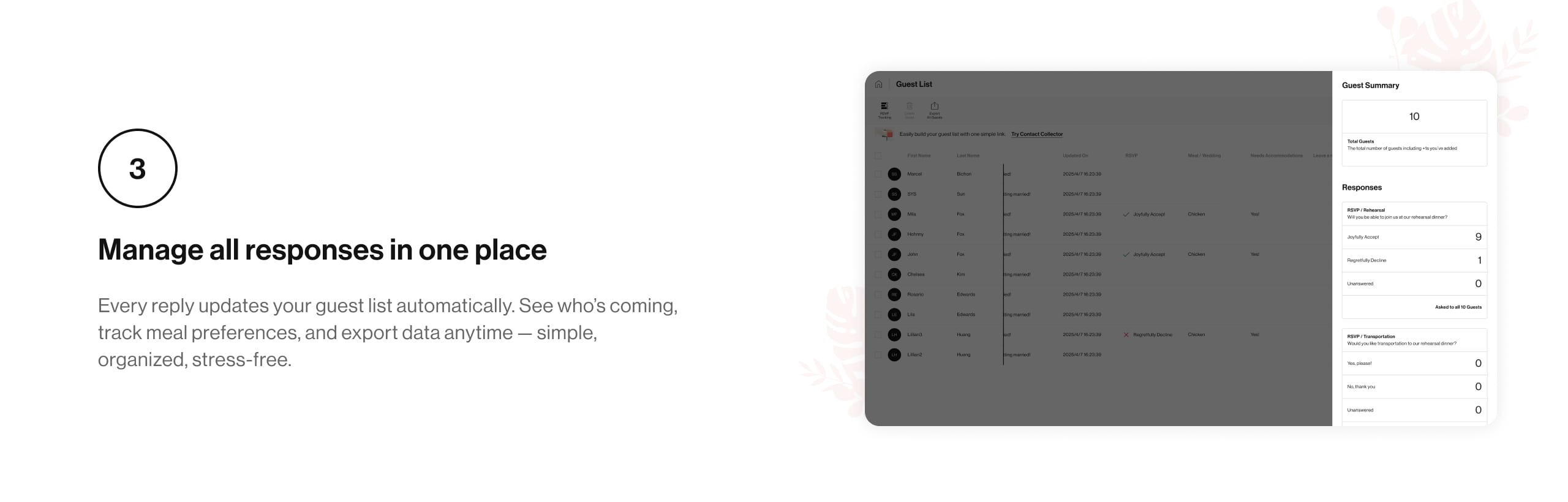
Guest List updates in real time. See who's coming, monitor missing replies, and export data anytime.
RSVPs Made Effortless.
Ask all the RSVP questions you need to help you plan, and quickly view guests' responses as they come in. See who's attending, their meal choices, gifts, and more—right from your guest list.
Collect RSVPs, made simple.
Yes, you can add Ceremony, Reception, After Party, and more. Each event will have its own RSVP section.
No, guests can simply click the link and fill in the form without creating an account.
All responses appear in your guest list and summary dashboard in real time.
Yes, guests can update their responses anytime before the RSVP deadline.
Generate a link directly from iDOCards. You can add it to your digital invitation, send by email, or share via messaging apps.